Classic
01WRITE. KEEP IT.
A focused space for free-form notes, quick thoughts and everyday writing.
GET ORGANIZED. MISS NOTHING.
With NOTE 711, organize your tasks, appointments, ideas and links in Tablets of their own. Return when you need to and pick up where you left off.
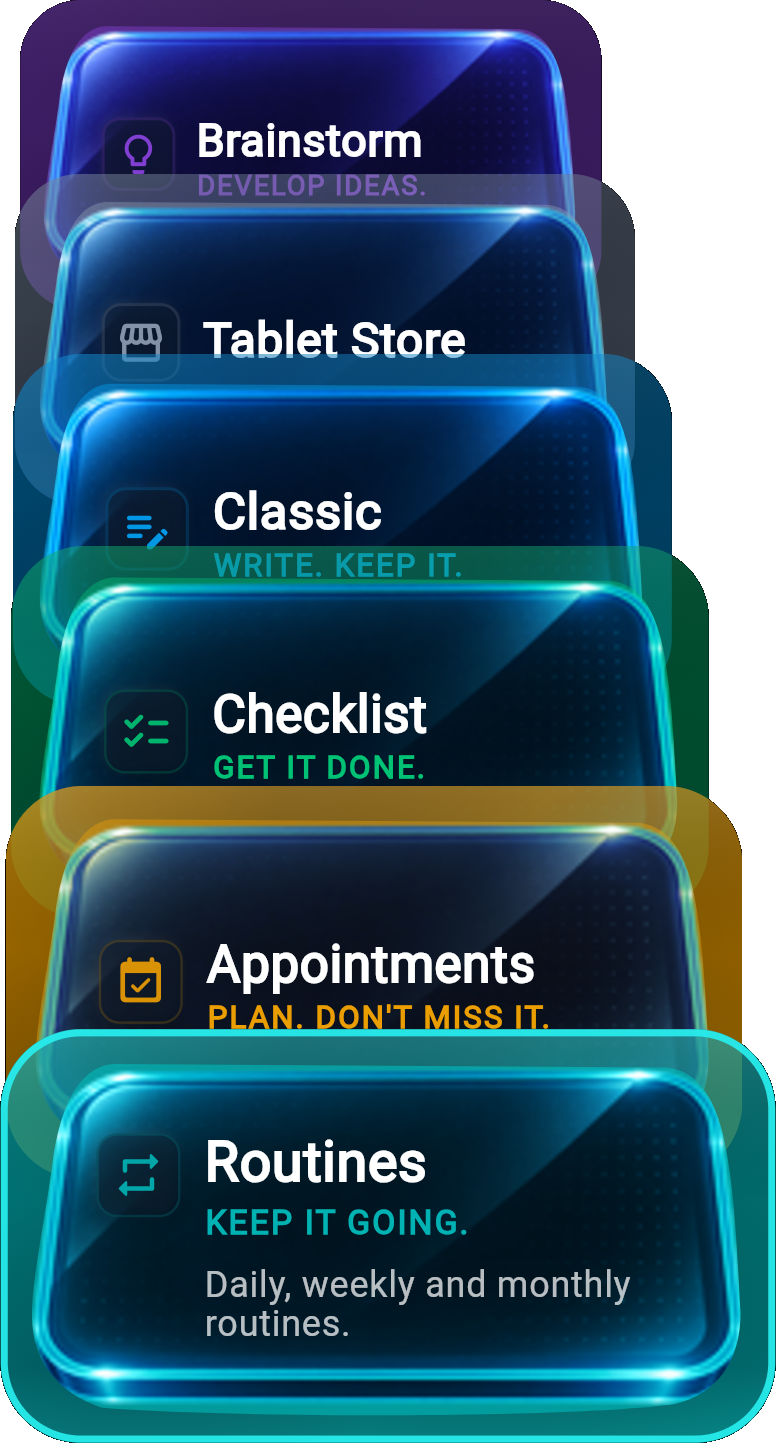
THE TABLET APPROACH
An appointment, an idea and a to-do list are not the same thing. NOTE 711 gives different needs in your life their own Tablets. Use each one for its purpose and know where to pick up when you need it.
PURPOSE-BUILT TABLETS
Each Tablet in NOTE 711 is an independent workspace designed for a different need, with tools of its own.
Instead of downloading separate apps for your notes, to-do list, appointments, routines and ideas, you can find the tools you need in NOTE 711.
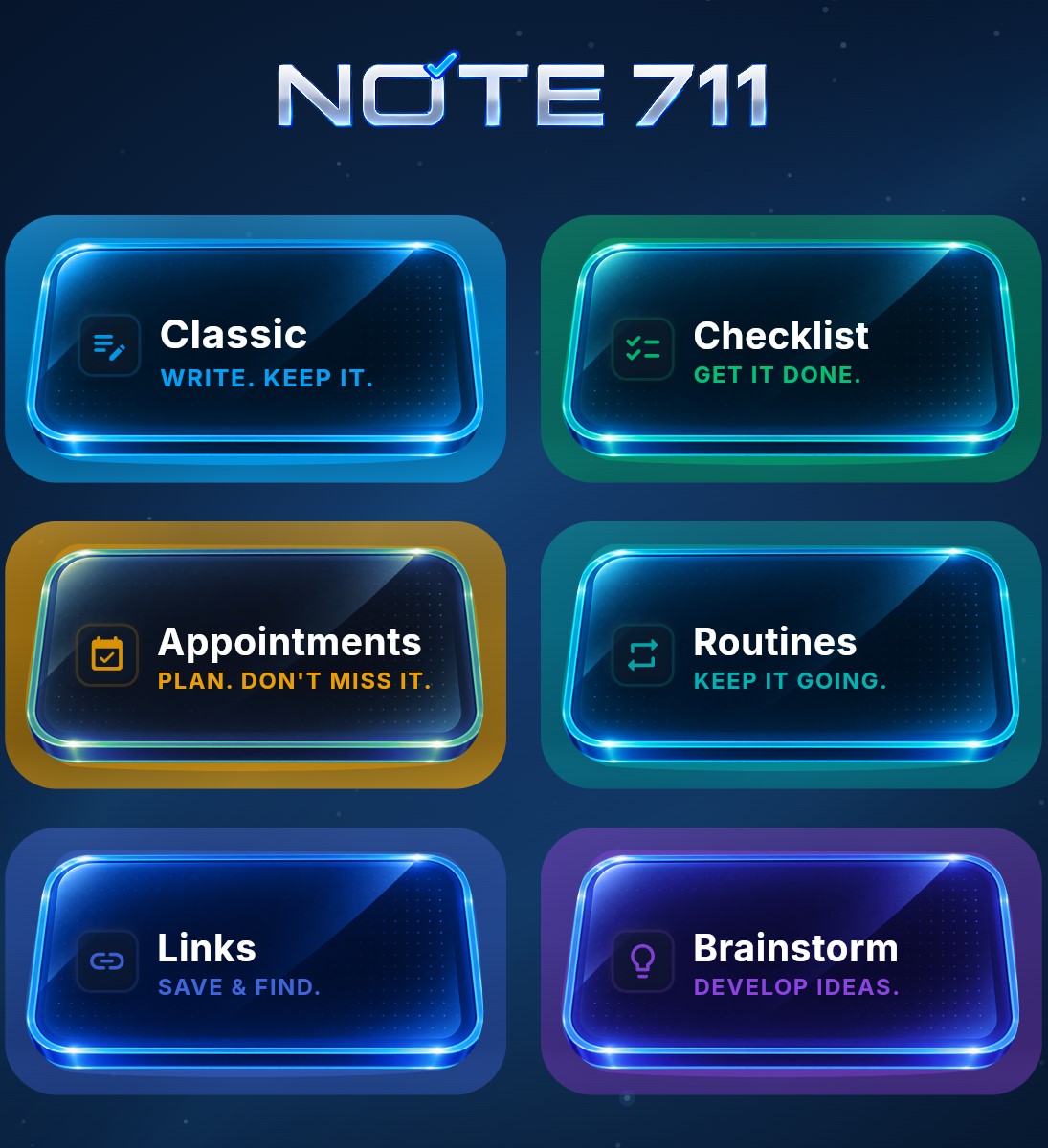
WRITE. KEEP IT.
A focused space for free-form notes, quick thoughts and everyday writing.
GET IT DONE.
Organize checklists, tasks and daily tracking without mixing them into your notes.
PLAN. DON'T MISS IT.
Keep appointments, reservations and scheduled plans clear and easy to find.
KEEP IT GOING.
Build and follow daily, weekly and monthly routines in their own dedicated space.
SAVE & FIND.
Save useful links, organize them and find them again when you need them.
DEVELOP IDEAS.
Capture ideas, ask better questions and develop early thoughts through brainstorming.
A MOMENT IN YOUR DAY
Something you need to do tomorrow comes to mind while you are in the middle of something else. You don't have to drop everything. Save it in the right Tablet in NOTE 711, set its time, and continue what you were doing. Find it when you need it and pick up where you left off.
This timing example applies to compatible Checklist, Appointments and timed Routines records.
YOUR DAY, IN VIEW
Your tasks, appointments and routines may live in different Tablets. TODAY brings together the records that need your attention today, so you can focus on your day without checking every Tablet one by one.
TODAY
Your tasks stay in Checklist, appointments in Appointments, and routines in Routines. What needs your attention today comes together in TODAY.
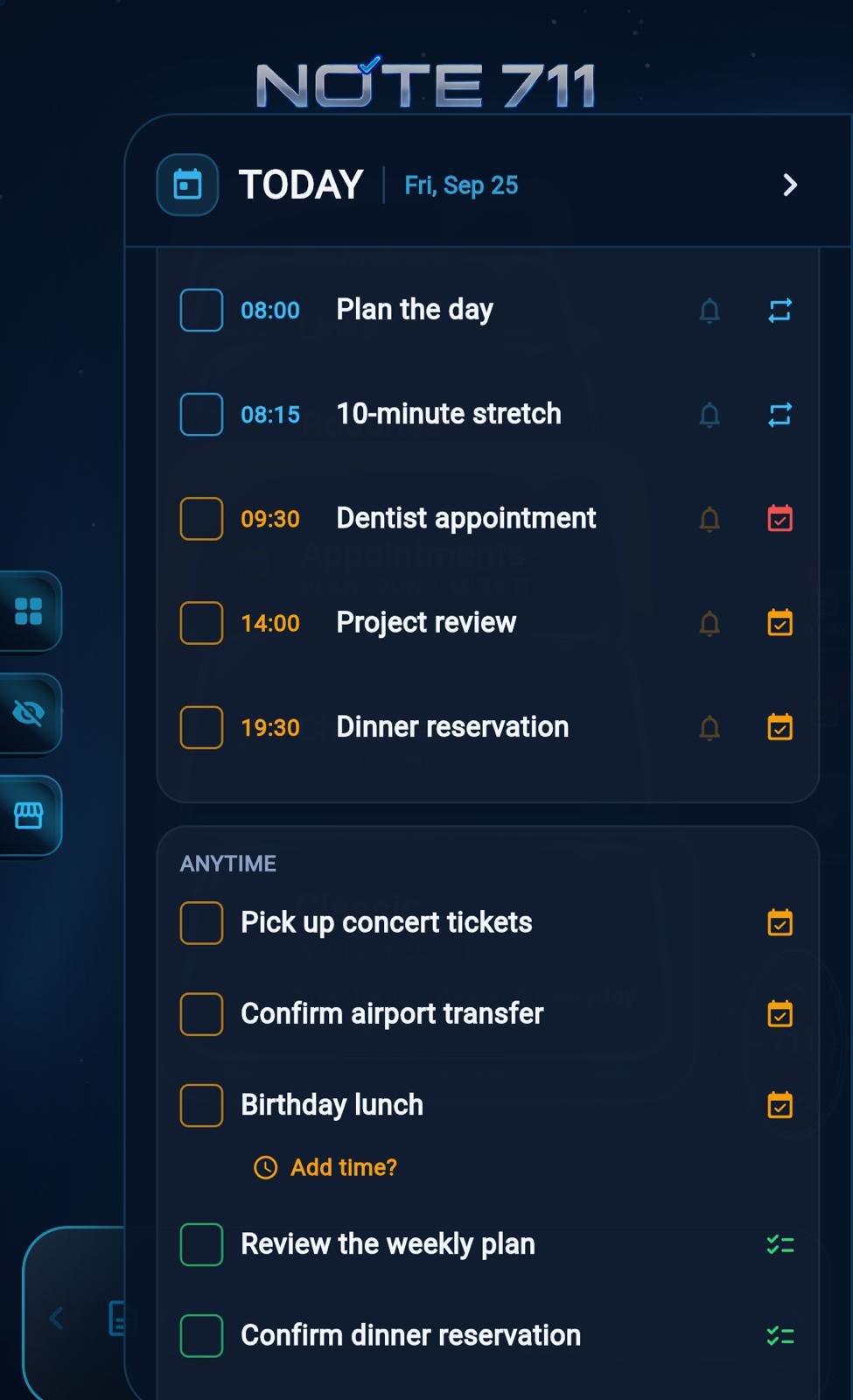
TODAY · What needs your attention today
ONE APP, YOUR SETUP
You don't need several apps to organize different parts of your life. In NOTE 711, each Tablet has its own features and solves a different need. From to-do lists and appointments to routines and ideas, everything is easy to reach in one app.
Start using NOTE 711 for free with the Classic Tablet. Add other Tablets as you need them.
Purchase the Tablets you need with a one-time payment. Pay no monthly or annual subscription fee.
Each Tablet has its own capacity. When you need more workspace, you can add another Tablet of the same type where that Tablet type is offered.
ON-DEVICE PRIVACY
The content you create in NOTE 711 is stored on your device. Your notes and personal data are not automatically uploaded to a cloud account.
You can create and keep your own backups by exporting your data.
When you change devices: You can restore access to the Tablets you purchased through the Store account used for the purchase. However, this does not restore your personal content or notes.
Important: NOTE 711 does not provide automatic cloud backup or synchronization across devices. We recommend exporting regularly in case you change or lose your device, or delete the app.
QUESTIONS, ANSWERED
Note 711 is a modular note-taking and personal organization app by Inlabcs. It brings purpose-built Tablets for different needs together in one app.
Instead of fitting everything into the same note structure, Note 711 offers purpose-built Tablets for different needs. Each Tablet has features and a dedicated space designed for its purpose — all within one app.
A Tablet is a purpose-built space designed for a specific need. Each Tablet provides features suited to its purpose — from writing and task tracking to planning appointments, maintaining routines, saving links and developing ideas.
Yes. The Checklist Tablet is designed to organize your tasks, keep track of priorities, and make sure important to-dos don't get overlooked. Stay focused on today's tasks while keeping tomorrow's separate, and easily move unfinished items to the next day. Less list clutter, clearer priorities, and more tasks completed.
Yes. The Appointments Tablet helps you organize appointments, reservations, and scheduled plans, with reminders to help you avoid missing important times. The Routines Tablet is designed to keep your daily, weekly, and monthly routines on track. Instead of trying to keep everything in your head, Note 711 helps you plan it, follow it, and remember it when the time comes. Fewer missed plans, more consistent routines, and greater control over your time.
No. Note 711 has no subscription. Classic #1 is free, and paid Tablets are one-time purchases.
Your notes and everyday Tablet content are stored locally on your device. Classic notes, Checklist tasks, Appointments, Routines, saved Links, and Brainstorm content are not automatically uploaded to Note 711 servers. Note 711 currently does not provide cloud backup or cross-device content synchronization. When you want to export your data, you initiate the export yourself. This keeps you in control of where your everyday content is stored and when it leaves your device.
Yes. You can add new Tablets from the Tablet Store inside the Note 711 app. Choose additional Tablets for different purposes and expand your setup without cluttering the Tablets you already use. Instead of the one-size-fits-all note structure found in traditional note-taking apps, Note 711 provides spaces and features tailored to different purposes. Note 711 is not limited to a fixed format; new purpose-built Tablet types may be added to the app over time.
OFFICIAL STORE LINKS
Choose your platform to open the official store page.